

How to set up a conference room for hybrid events

Hybrid events are the norm for all types of corporate events nowadays, as they are an extremely efficient way to extend reach, create accessibility and allow people from across the world to provide valuable insight. However, the effectiveness of your event depends on how well the conference room supports both in-person and virtual audiences. Poor setups can cause disengagement, technical issues, and fragmented communication, while a well-planned hybrid space ensures everyone can see, hear, and participate effectively. This guide breaks down how to set up a conference room for hybrid events, covering essential technology, room layout, software, and engagement strategies to ensure a professional delivery.
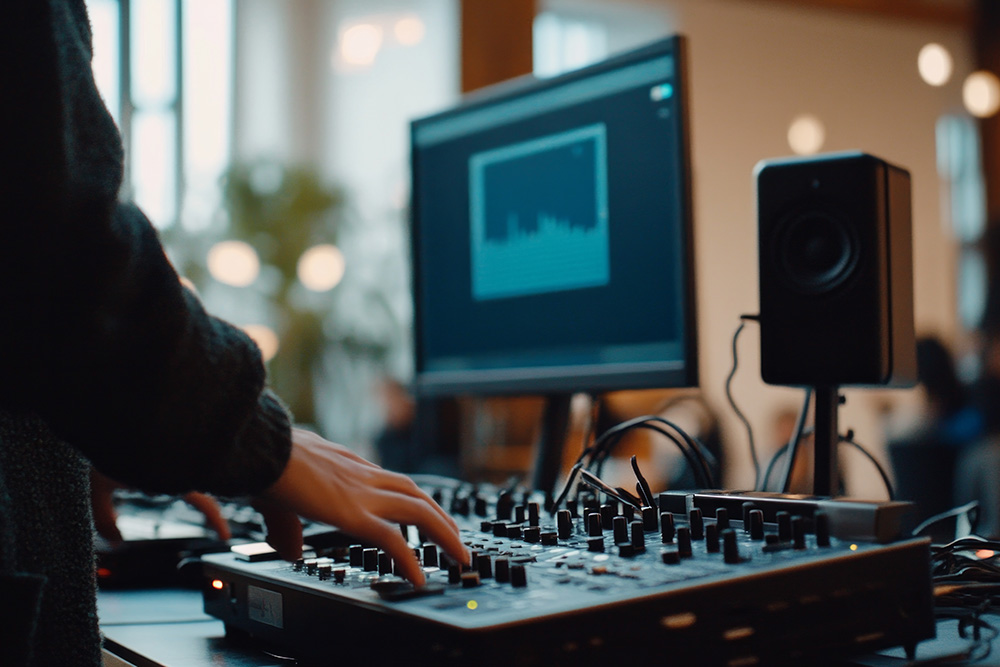
Essential hardware and audio-visual equipment
The right hardware is the foundation of any successful hybrid event. If attendees cannot hear clearly, see the room properly, or stay connected without interruption, engagement drops quickly. Investing in quality equipment helps reduce technical issues and ensures everything stays on track.
Video
High-quality video is essential for keeping remote participants connected to the room. Grainy or unstable footage can make it difficult for online attendees to stay focused or follow presentations. Use HD or 4K video equipment where possible to create a clear and professional viewing experience.
Cameras
Your camera setup should capture both speakers and the wider room. Depending on the event size, you may use a single static camera or multiple cameras to switch between angles. PTZ (pan-tilt-zoom) cameras are particularly useful for hybrid conferences, allowing operators to focus on speakers, panel discussions, or audience questions as needed.
Microphones
Clear audio is often more important than video quality. If attendees cannot hear properly, engagement drops quickly. Choose microphones based on your event format:
- Lapel microphones for presenters and keynote speakers
- Handheld microphones for audience Q&A
- Table or boundary microphones for boardroom discussions or panels
Ensure microphones are positioned correctly and tested in advance.
Audio
Room speakers should deliver clear, even sound without echo or feedback. Remote attendees also need balanced audio that picks up both presenters and audience contributions. Consider using an audio mixer to help maintain consistent levels throughout the event.
Lighting
Good lighting instantly improves on-screen quality. Use soft, even lighting to clearly illuminate speakers and avoid harsh shadows. Be careful with natural light, as strong backlighting can darken presenters on camera.
WiFi
Reliable internet is non-negotiable for hybrid events. Use dedicated high-speed WiFi or wired Ethernet connections wherever possible. Always have a backup connection in place to minimise disruption if issues arise.
Display
Screens in the room help bridge the gap between physical and virtual attendees. Use displays to show presentation content, remote participants, live chat, or polling results. Dual-screen setups are often most effective, allowing one screen for slides and another for virtual attendees or platform content.
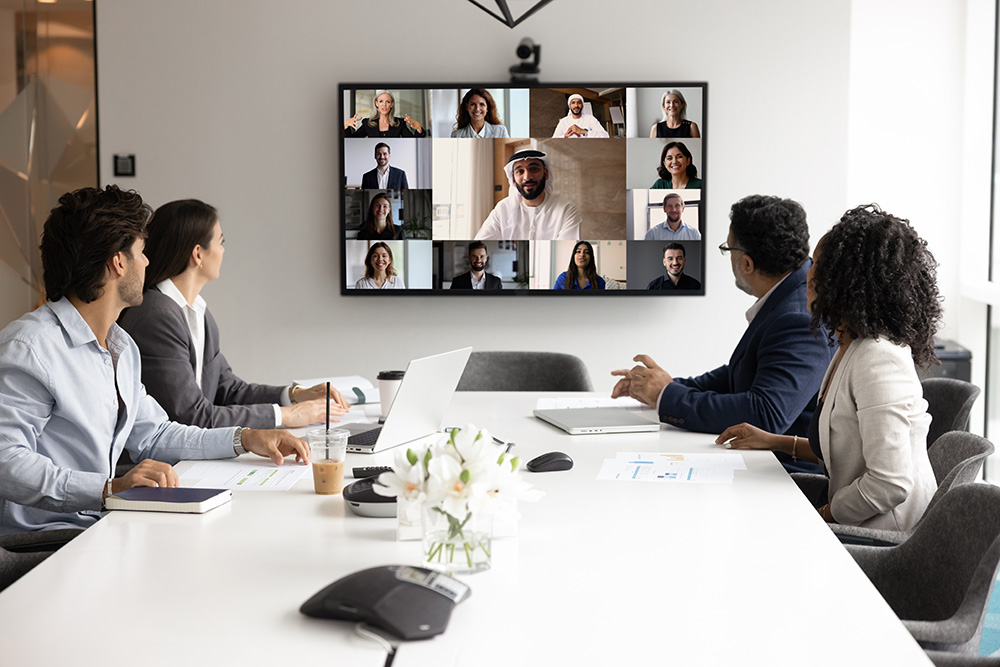
Recommended software platforms
Recommended software platforms
Choosing the right software platform is just as important as the physical setup. It acts as the bridge between in-room and remote attendees, supporting video calls, screen sharing, chat, Q&A, and collaboration. Your chosen platform should be reliable, easy to use, and suited to the style of event you are hosting.
When comparing platforms, consider:
- Number of attendees supported
- Video and audio quality
- Screen sharing and presentation tools
- Breakout room functionality
- Chat, polls, and Q&A features
- Recording and replay options
- Ease of access for external guests
Microsoft Teams
Microsoft Teams is a strong choice for corporate conferences, internal meetings, and training sessions. It integrates seamlessly with Microsoft 365, making it ideal for organisations already using Outlook, SharePoint, and other Microsoft tools.
Key benefits include:
- Professional meeting controls and scheduling
- Screen sharing and collaborative tools
- Breakout rooms for workshops or smaller sessions
- Live captions and accessibility features
- Secure guest access for external attendees
Teams works particularly well for structured business events where collaboration and internal communication are priorities.
Google Meet
Google Meet is known for its simplicity and ease of use. It is a practical option for businesses using Google Workspace and for events where attendees need quick, straightforward access without complex setup.
Key benefits include:
- Browser-based access with no downloads required
- Simple interface for guests and external users
- Integration with Google Calendar and Gmail
- Screen sharing and presentation tools
- Reliable video quality for meetings and webinars
Google Meet is well suited to smaller conferences, workshops, and organisations that value speed and simplicity.
Choosing the right platform
There is no one-size-fits-all solution. The best platform depends on your audience, internal systems, security needs, and event format. Test your chosen software in advance, check compatibility with your AV equipment, and run through the attendee journey before the event day.
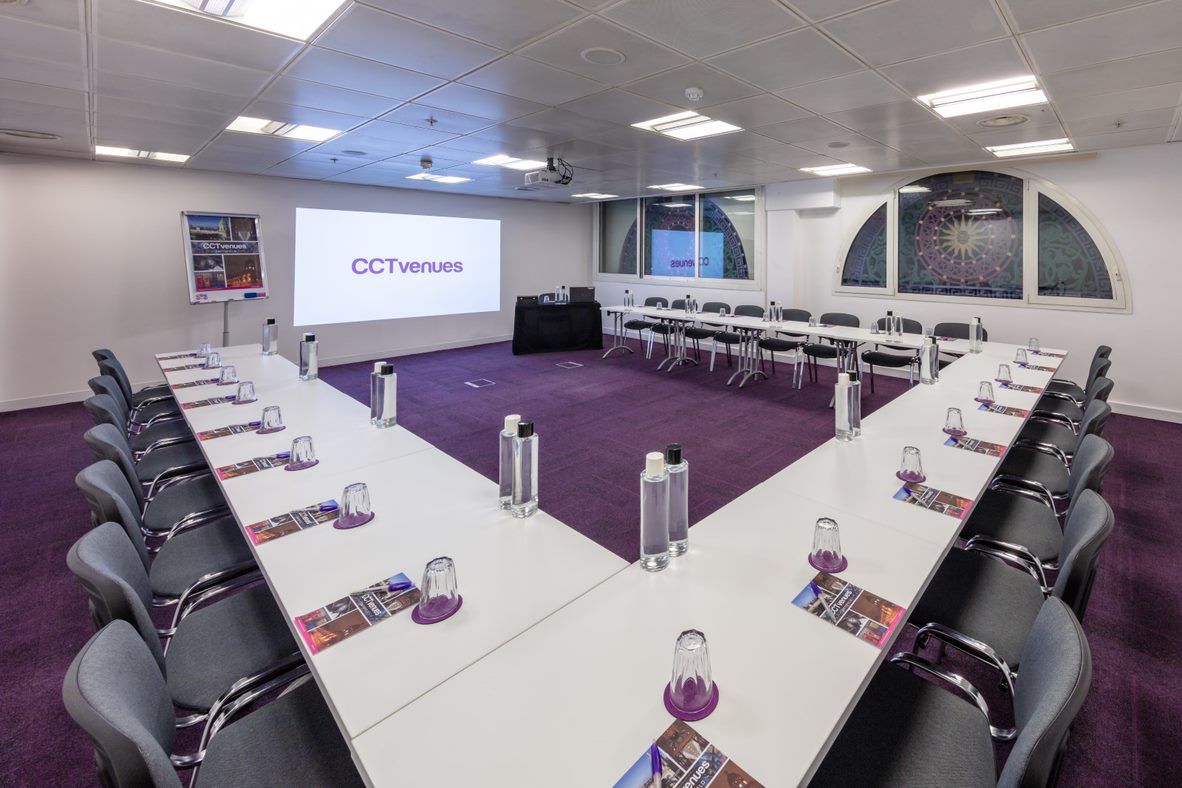
Room layout and configuration
A well thought out conference space supports clear sightlines, camera angles, movement, and audience interaction, while also ensuring remote attendees can follow the event with ease. When planning the room, it’s important to think beyond capacity alone. Consider how presenters will move, where cameras will be positioned, and how attendees will engage with both the room and the virtual audience.
Furniture
Choose practical, flexible furniture that can be adapted to the format of the event. Lightweight tables and movable seating make it easier to reconfigure the room for presentations, workshops, or networking sessions.
Furniture should also support comfort during longer sessions, with enough table space for laptops, note-taking, or refreshments where needed.
Free space
Allowing enough free space is essential for both comfort and functionality. Crowded rooms can restrict movement, block camera views, and create a poor attendee experience.
Make sure there is space for:
- Clear walkways between seating areas
- Presenter movement at the front of the room
- Camera tripods and AV equipment
- Easy access to entrances and exits
- Networking or breakout activity zones
A more open layout also helps the room feel organised and professional.
Seating arrangement
Your seating style should reflect the goals of the event. Different layouts support different levels of interaction, visibility, and collaboration.
There’s a variety of set ups you could use, here are a few examples:
- Hollow square setup: This is where the tables are arranged in a square or rectangle with an open centre. This format works well for board meetings, strategy sessions, and collaborative discussions where all attendees need equal visibility. They are best for executive , more intimate meetings or workshops and group decisions.
- Broken horseshoe style: Similar to a U-shape, but with gaps or wider openings to improve movement and sightlines. This setup allows attendees to face the presenter while still encouraging discussion between participants. It is best for training sessions. presentations with interaction or panel-led workshops.
- Theatre or auditorium-style seating: This is where rows of chairs face the front of the room with no tables. This layout maximises capacity and keeps attention focused on the speaker or screen. It is best for large presentations or conferences with limited note-taking needs.
- Circle/ roundtable seating setup: This arrangement is a full circle creating an open and equal discussion environment. There is no “head” of the room, making it ideal for collaborative sessions and open conversation.
Choose layouts with hybrid delivery in mind
Whichever format you choose, ensure cameras have clear sightlines, microphones can capture the room effectively, and screens are visible to all attendees. The right layout should support both those in the room and those joining remotely.
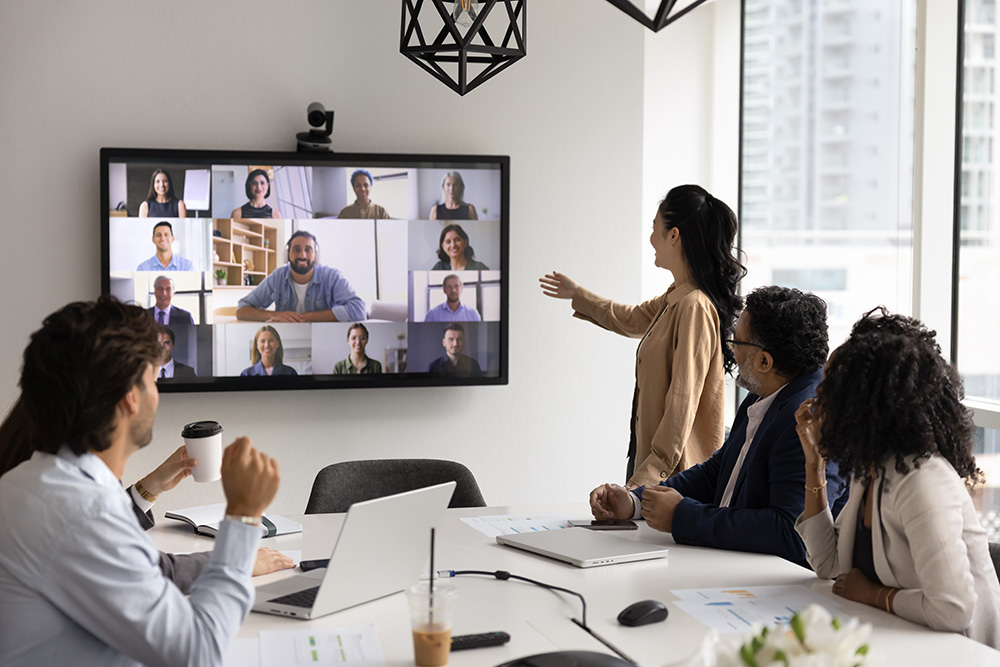
Ensuring inclusion and engagement
One of the biggest challenges of hybrid events is making sure remote attendees feel like participants, not spectators. Without careful planning, online guests can quickly become disconnected from the room. The most successful hybrid conferences build engagement into the event from the start, creating equal opportunities for both audiences to take part. Key strategies include:
Using a dedicated virtual moderator
A virtual moderator can make a significant difference to the online experience. Their role is to monitor chat, manage questions, support remote attendees, and relay virtual participation into the room in real time. At CCT, we offer this service!
This helps presenters stay focused while ensuring online guests remain seen and heard throughout the event.
Using interactive tools
Live polling, Q&A features, chat functions, and reactions help keep attendees engaged wherever they are joining from. These tools create regular touchpoints during sessions and encourage active participation rather than passive viewing.
Use them throughout the agenda rather than only at the end of presentations.
Maintaining high-quality audio and visuals
Strong engagement starts with clear communication. If remote attendees struggle to hear speakers or see content clearly, participation will drop quickly.
Reliable microphones, clear camera angles, professional lighting, and stable internet connections all help create a more inclusive experience.
Creating exclusive content for remote attendees
Online participants should not feel like they are simply watching the in-room experience. Consider adding virtual-only elements such as behind-the-scenes interviews, digital networking sessions, speaker Q&As, or downloadable resources.
This gives remote attendees added value and helps bridge the gap between audiences.
Building intentional interaction points
Schedule specific moments where virtual attendees are invited to contribute. This could include live questions, polls, breakout discussions, or moderated feedback sessions.
By building these moments into the agenda, online guests remain part of the conversation rather than an afterthought.
Offering virtual networking opportunities
Networking is often a key reason people attend conferences, so online attendees should have access to meaningful connections too.
Use breakout rooms, matchmaking tools, or timed networking sessions to help virtual participants meet one another, rather than simply observing in-person networking from a distance.
Using one shared communication platform
Keep communication simple by using one central platform, such as an event app or conference portal. This gives all attendees access to schedules, updates, speaker information, messaging, and key resources in one place.
A shared platform helps unify the experience across both audiences.
Communicate before the event
Send joining instructions, platform guidance, and technical information in advance. This helps remote attendees feel prepared and reduces last-minute issues on the day.
A confident attendee is far more likely to engage fully once the event begins.
To summarise
A successful hybrid event depends on more than simply combining in-person and virtual attendance. It requires thoughtful planning, the right technology, and a room layout designed to support both audiences equally. Clear visuals and audio, reliable software, inclusive engagement strategies and practical seating arrangements, all play a role in creating a pleasant experience. When done well, hybrid conferences can increase accessibility, widen reach, and deliver stronger results for organisers and attendees alike. By investing in the right setup from the start, you can create a conference room that keeps everyone connected, involved, and fully engaged, wherever they are joining from.
If you have any further questions about hybrid events, read our FAQs page.
Need a hand with your hybrid event?
If you’d like support planning your next hybrid conference or want to explore our spaces and event options, we’re here to help. We can talk you through venue layouts, technology requirements, and the best setup for both in-person and remote attendees.
Get in touch today